Gap Analysis
Gap analysis is a process that compares your current state (what you’re doing now) with a target state (what you should be doing based on standards or goals). It identifies what’s missing—these are the “gaps.”
Why it’s needed: It helps organizations understand where they fall short of regulatory requirements (like ESRS), internal policies, or best practices, so they can take focused actions to close those gaps and ensure compliance, improve performance, and reduce risks.
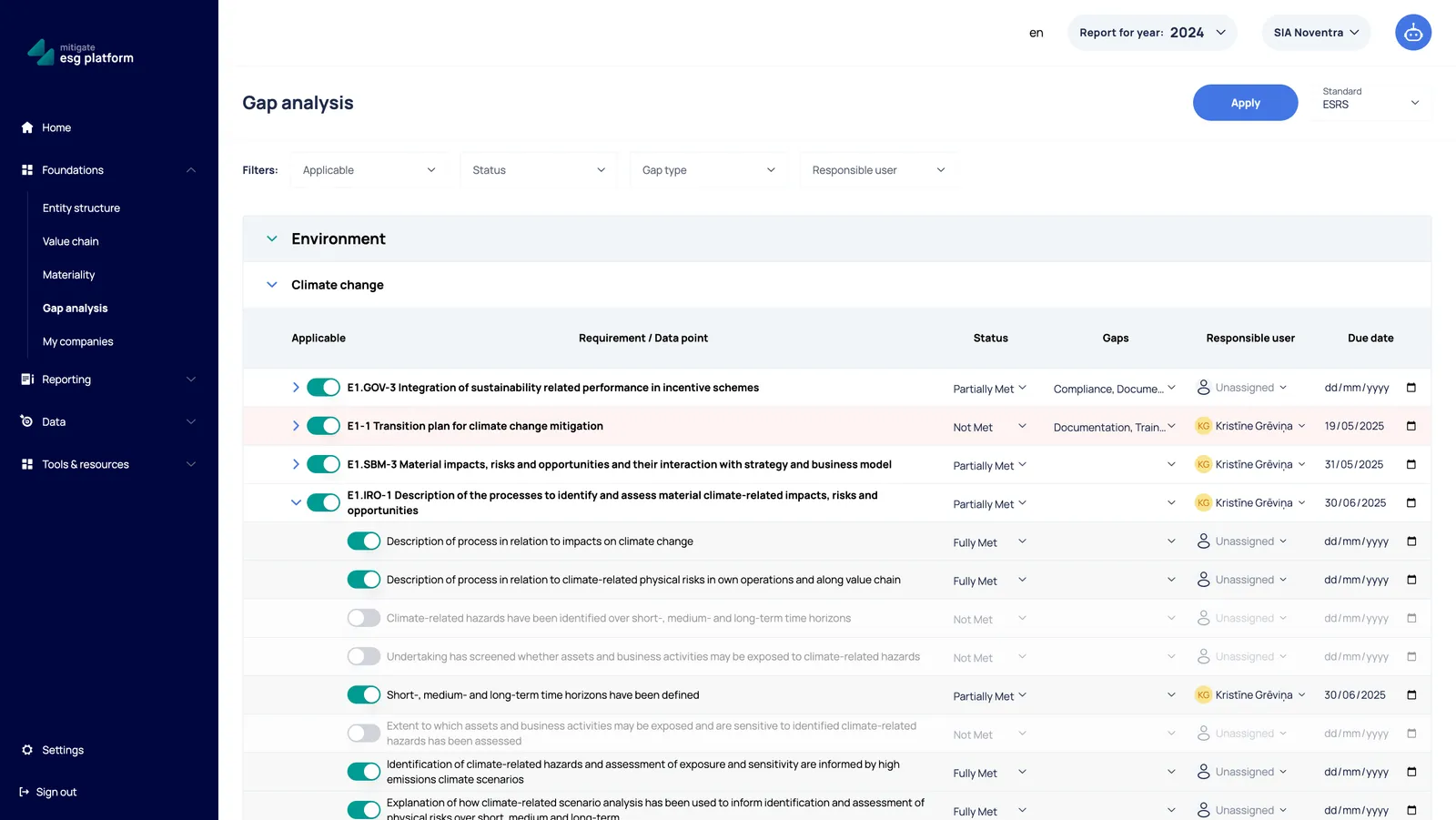
How to Use the Gap Analysis Module
Section titled “How to Use the Gap Analysis Module”1. Start a gap analysis
Section titled “1. Start a gap analysis”- Select the framework you want to assess against (e.g., ESRS, VSME). Or it will set your account framework.
- The system will load the relevant list of requirements or data points.
2. Review each requirement
Section titled “2. Review each requirement”For each requirement:
- Select Applicability:
- Applicable - Requirement applies to your organization
- Not Applicable – Requirement does not apply to your organization (e.g., irrelevant business activities).
- Select a Status:
- Fully Met – Requirement is completely fulfilled.
- Partially Met – Requirement is somewhat fulfilled but gaps exist.
- Not Met – Requirement is not fulfilled at all.
- Select Gaps:
- Choose one or more from selection.
3. Assign responsible user and due date for gaps
Section titled “3. Assign responsible user and due date for gaps”If a requirement is Partially Met or Not Met:
- Select a responsible user
- Choose a user from the platform or invite new members.
- Select a due date
- If the due date is overdue, it will be highlighted in red.
4. Apply Gap Analysis
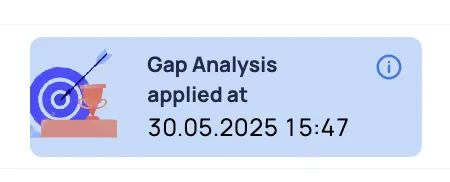
Section titled “4. Apply Gap Analysis”Click the “Apply” button, and Disclosure Requirements and Data Points not marked as Applicable will be disabled in the report section. The date when Gap Analysis was applied will be visible in the platform.
Key Fields Explained
Section titled “Key Fields Explained”| Field | Description |
|---|---|
| Applicable | Decide whether the requirement or data point is relevant to your business activities. |
| Status | Assessment result for the requirement. |
| Gaps | Categorize the type of gap (Compliance, Documentation, Data Availability, etc.). |
| Responsible user | Person assigned to close the gap. |
| Due date | Deadline to close the gap. |
Future functionality in development
Section titled “Future functionality in development”- Monitor progress in Dashboard
- Total progress (how many requirements are assessed).
- Summary of gaps by type and status.
- Overview of open and completed action plans.
- Track overdue actions and upcoming deadlines.
- Export your gap analysis as an Excel report.