Internal control
We have introduced an internal control functionality. Now, users are able to add reviewers to:
- A particular data point
- A disclosure requirement
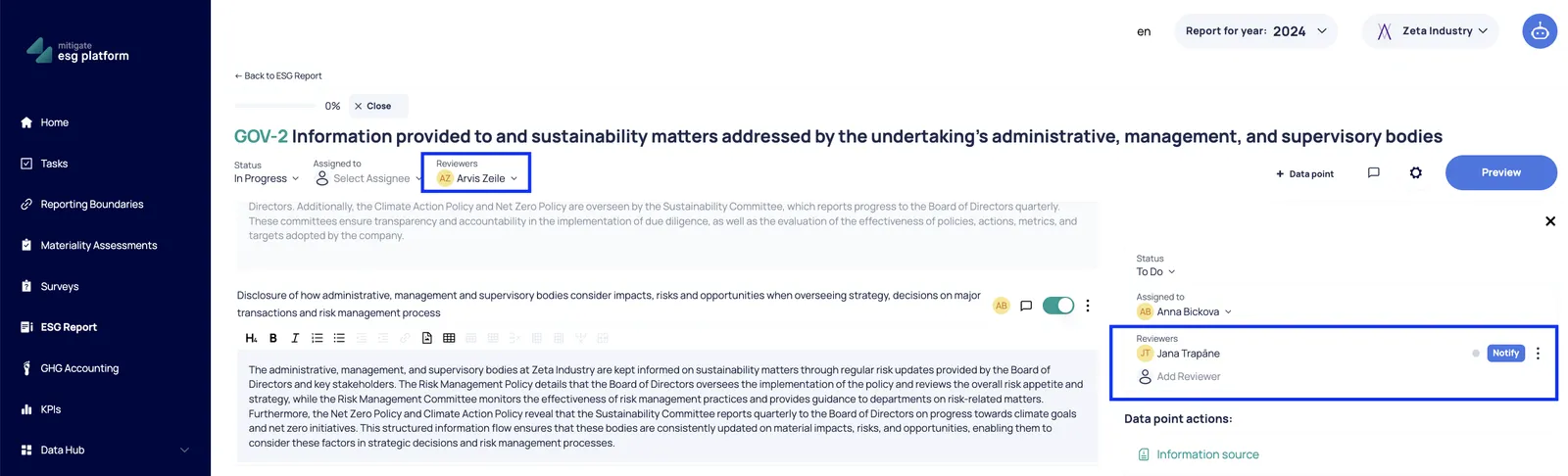
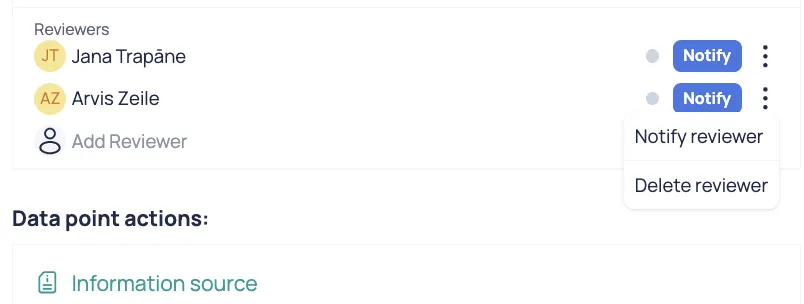
The user can add multiple reviewers (reviewers can also be deleted). Please keep in mind that reviewers are selected from the list of users within the particular company.
So, if you cannot find a particular reviewer’s name, you should invite this user to the Mitigate ESG platform.
After the reviewer is added, the user should notify the particular reviewer by pressing the “Notify” button.
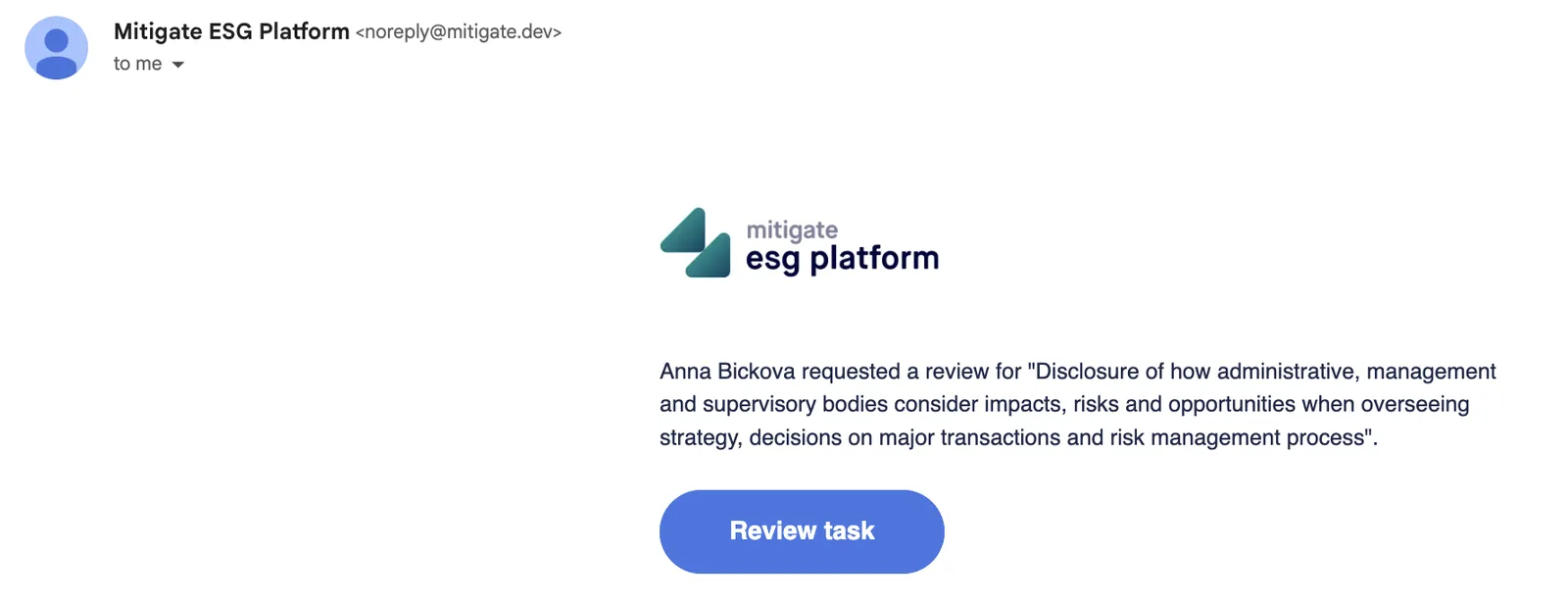
Once notified, the reviewer will receive an email notification:
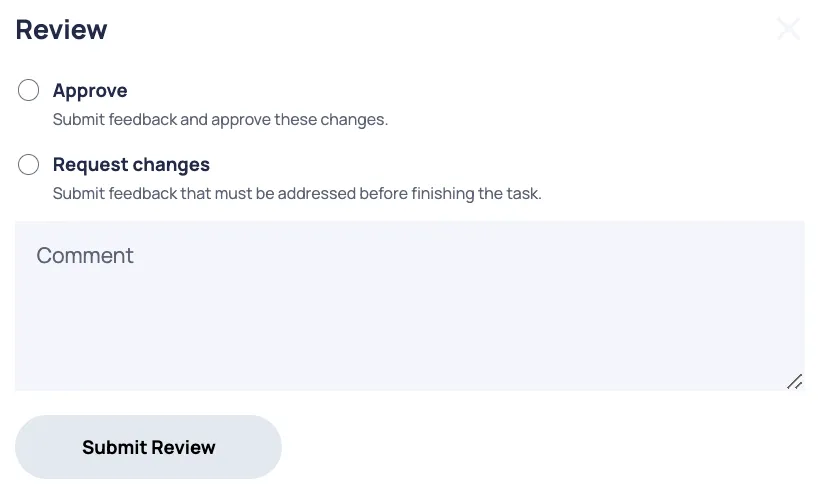
The reviewer has the option to approve the data point/ disclosure requirement content or request changes. The data point/ disclosure requirement assignee will receive an email notification regarding the reviewer’s decision.
Reviewer’s change request comments will be visible under the Comments functionality.
Such review and change request workflows can be performed an unlimited number of times until the content of the data point/ disclosure requirement is satisfactory.