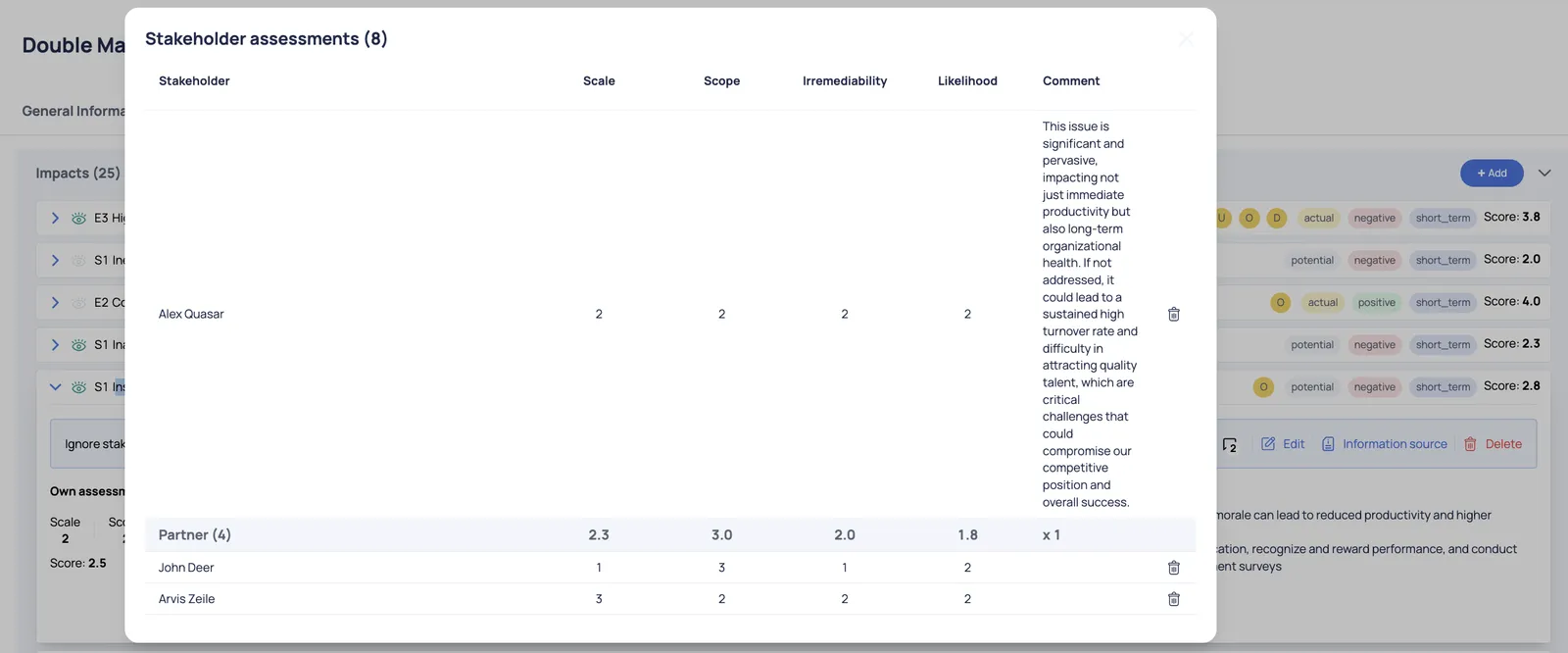
DMA surveys 2.0
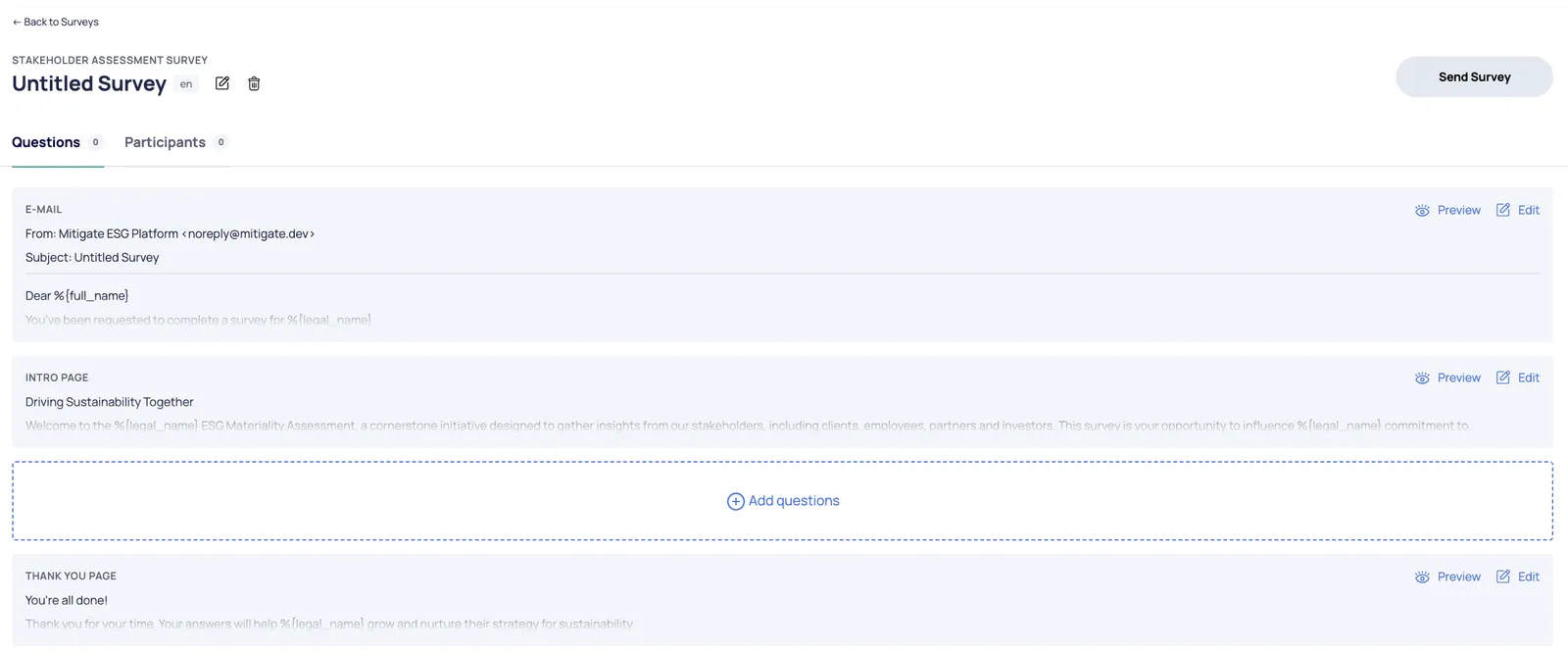
User can create a fully personalized survey with the following options:
- Customize the email text
- Set up the survey Intro page
- Add questions
- Configure the Thank you page

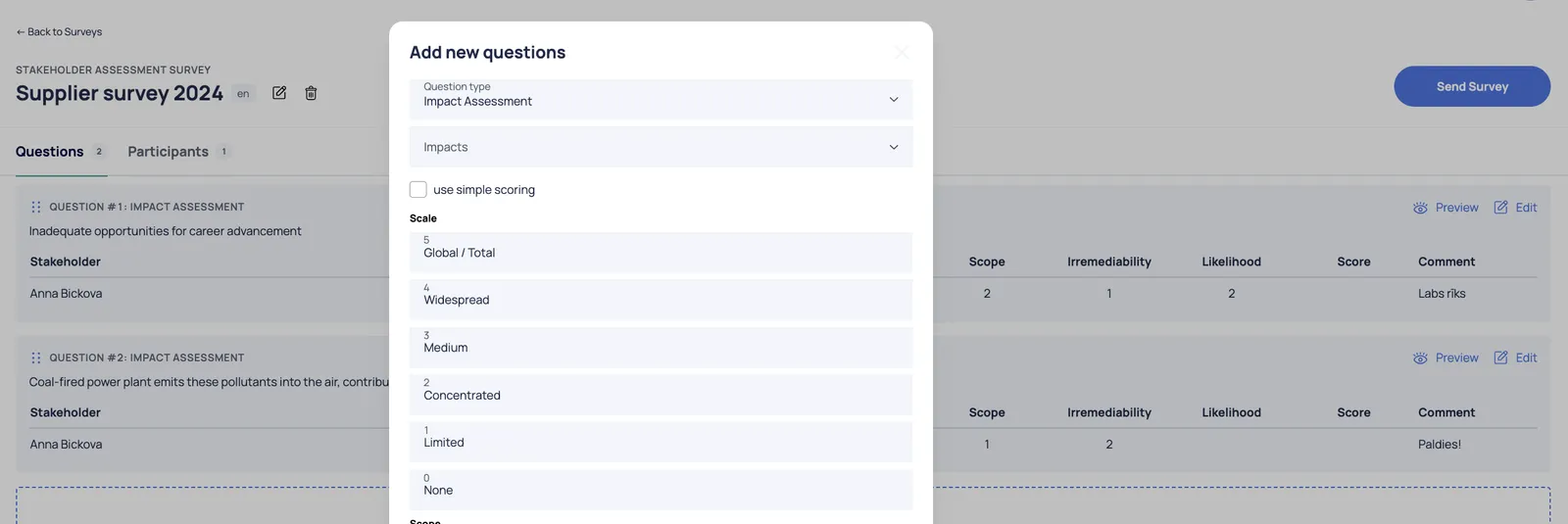
When adding a question, the user must first select the question type: Impact Assessment or Financial Assessment.
Afterward, the user should select either Impact or Risks/Opportunity from the IRO dropdown list, depending on the previously selected question type. The user has the option to use a simple scoring system, customize the names of the value scale, and edit the question title and description.
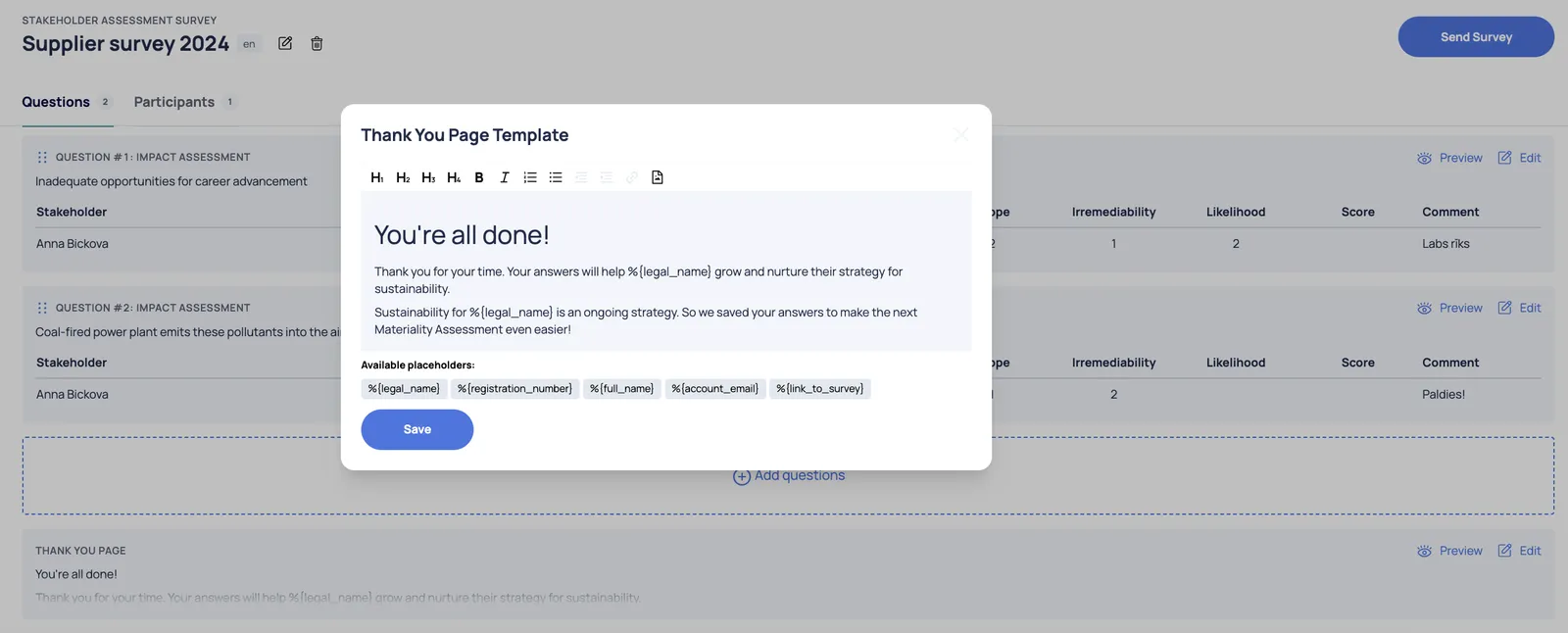
User can edit and preview each section of the survey:
When pressing Add stakeholders - the platform displays a list of added stakeholders. To send a survey to a specific stakeholder, select the relevant stakeholder from the list.

To send a survey, simply click the “Send Survey” button:

Once the survey is sent, its status will automatically update to “Active”.
The answers received will be automatically linked to the corresponding IRO: