AI Report Translation
You can provide report translations manually or generate them automatically using our integrated DeepL translation engine.
How to Use Automatic Translation
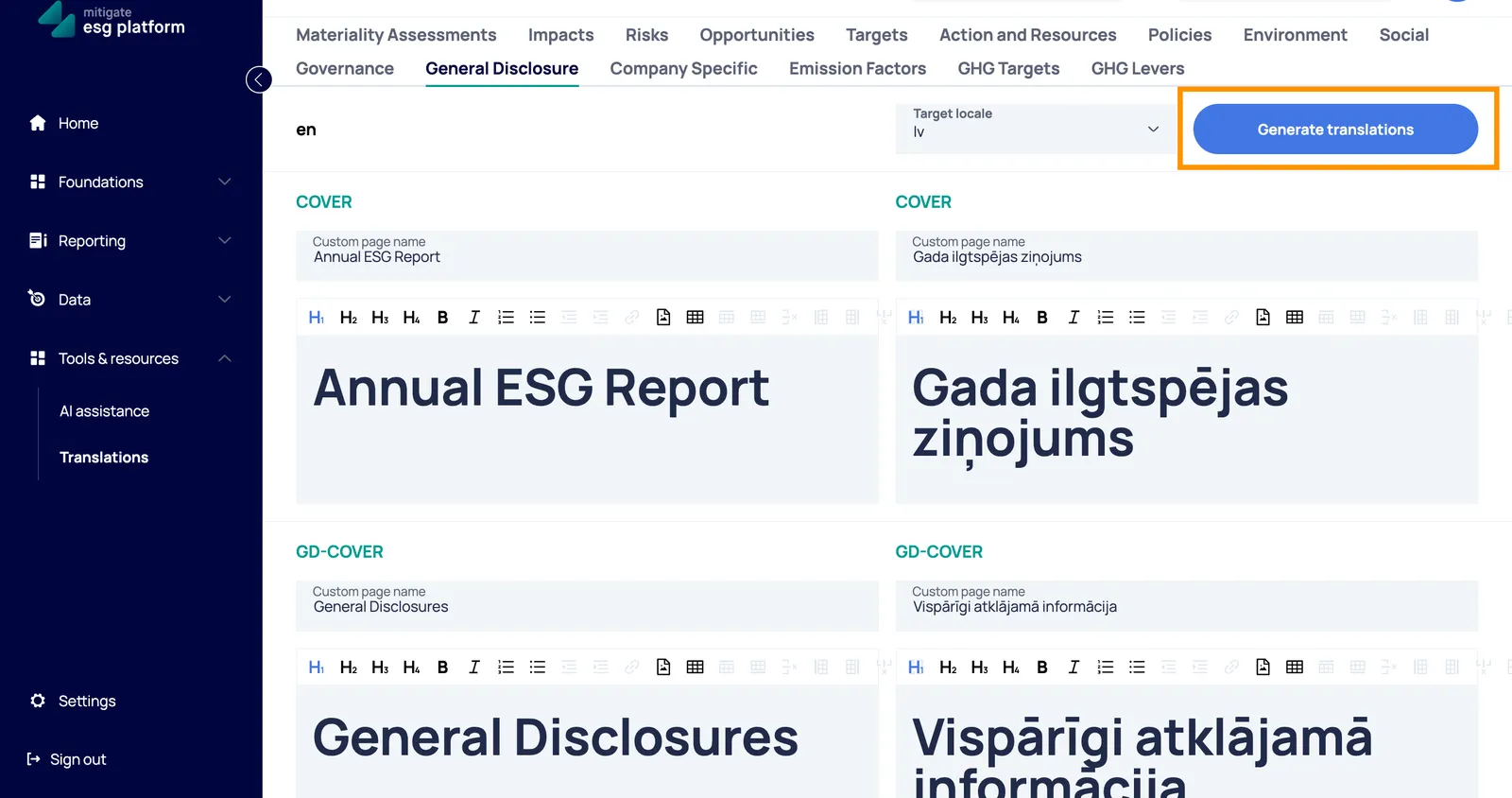
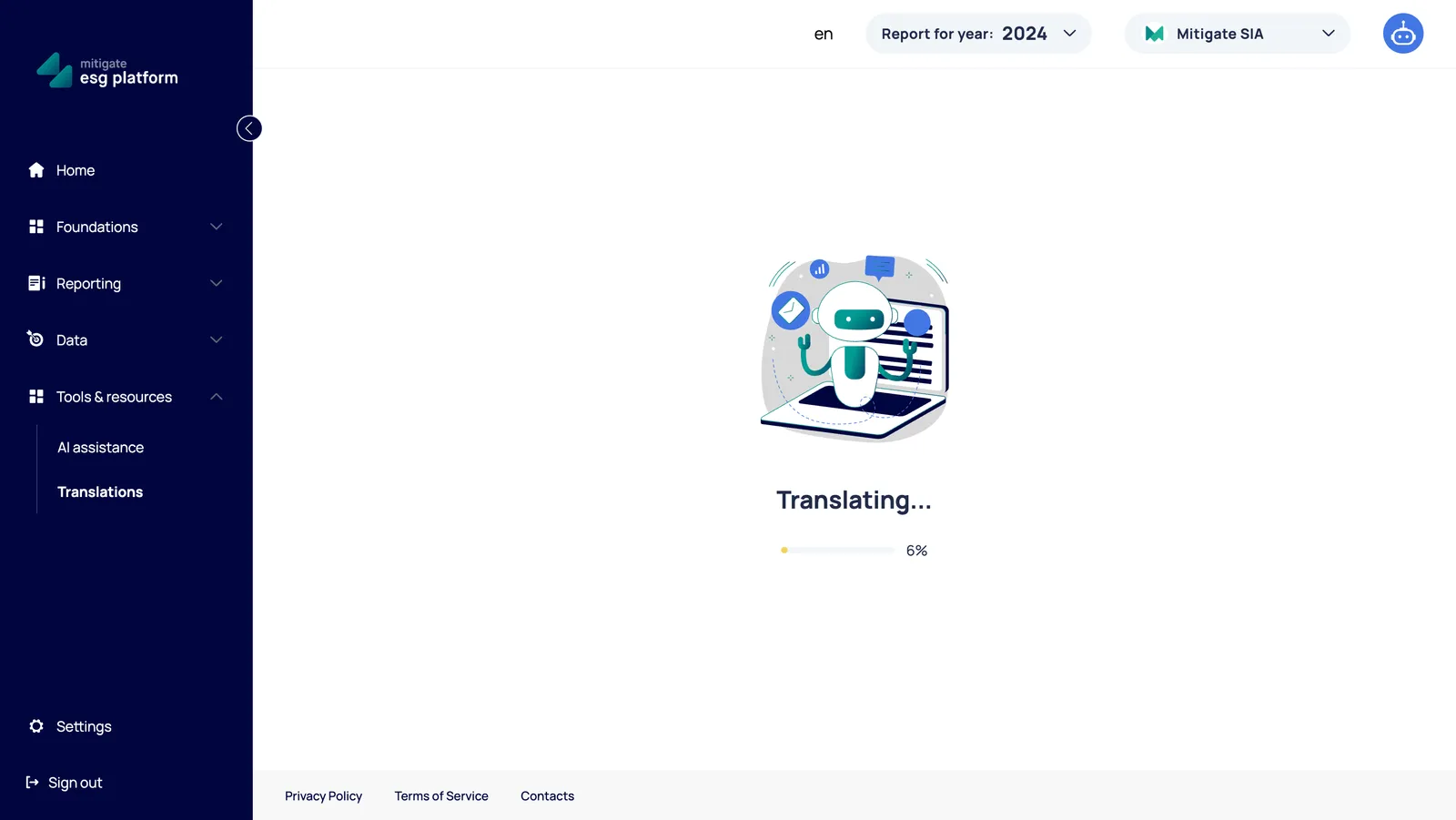
Section titled “How to Use Automatic Translation”- Navigate to the Translations Section: Locate the “Generate translations” button.
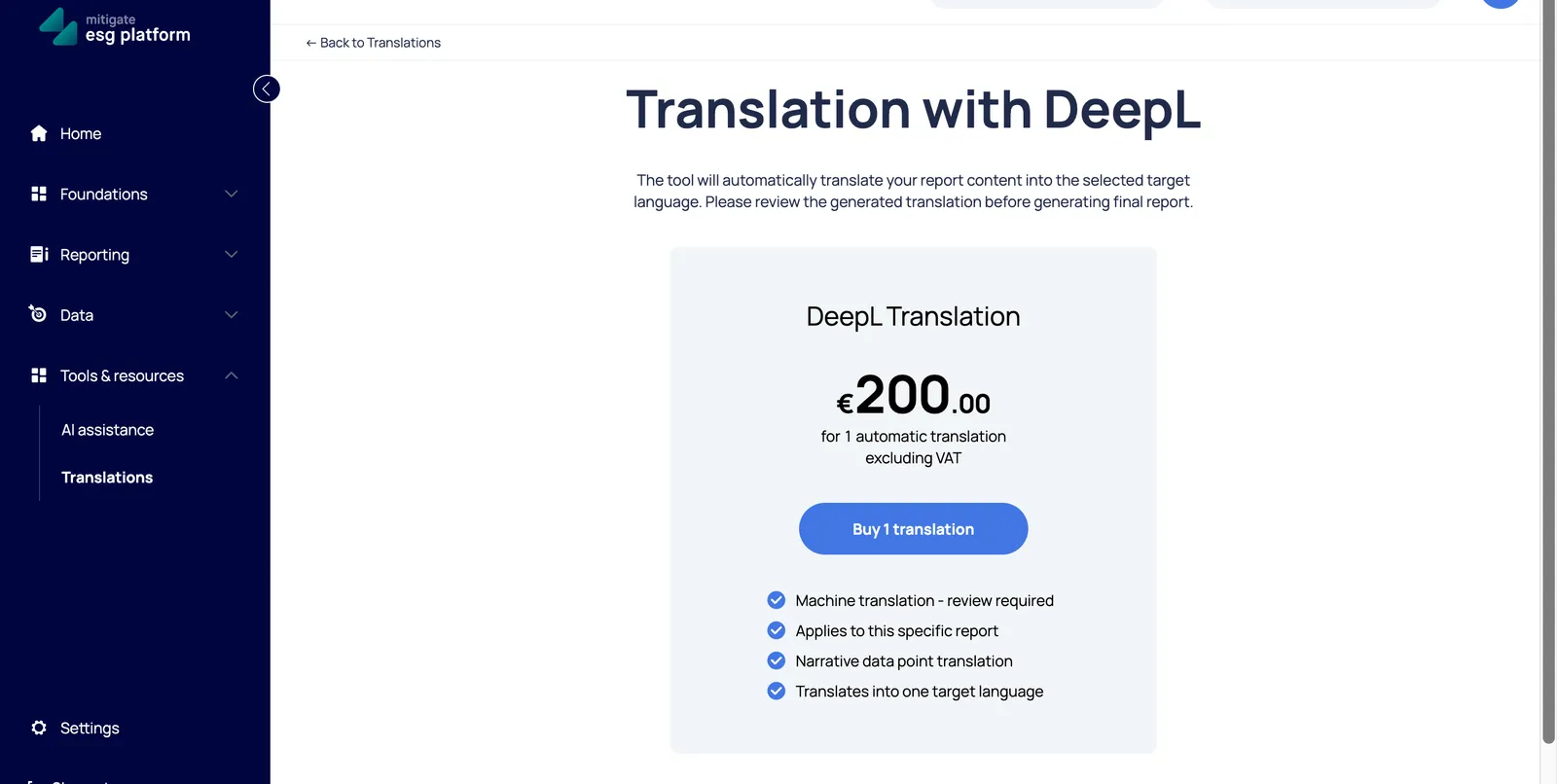
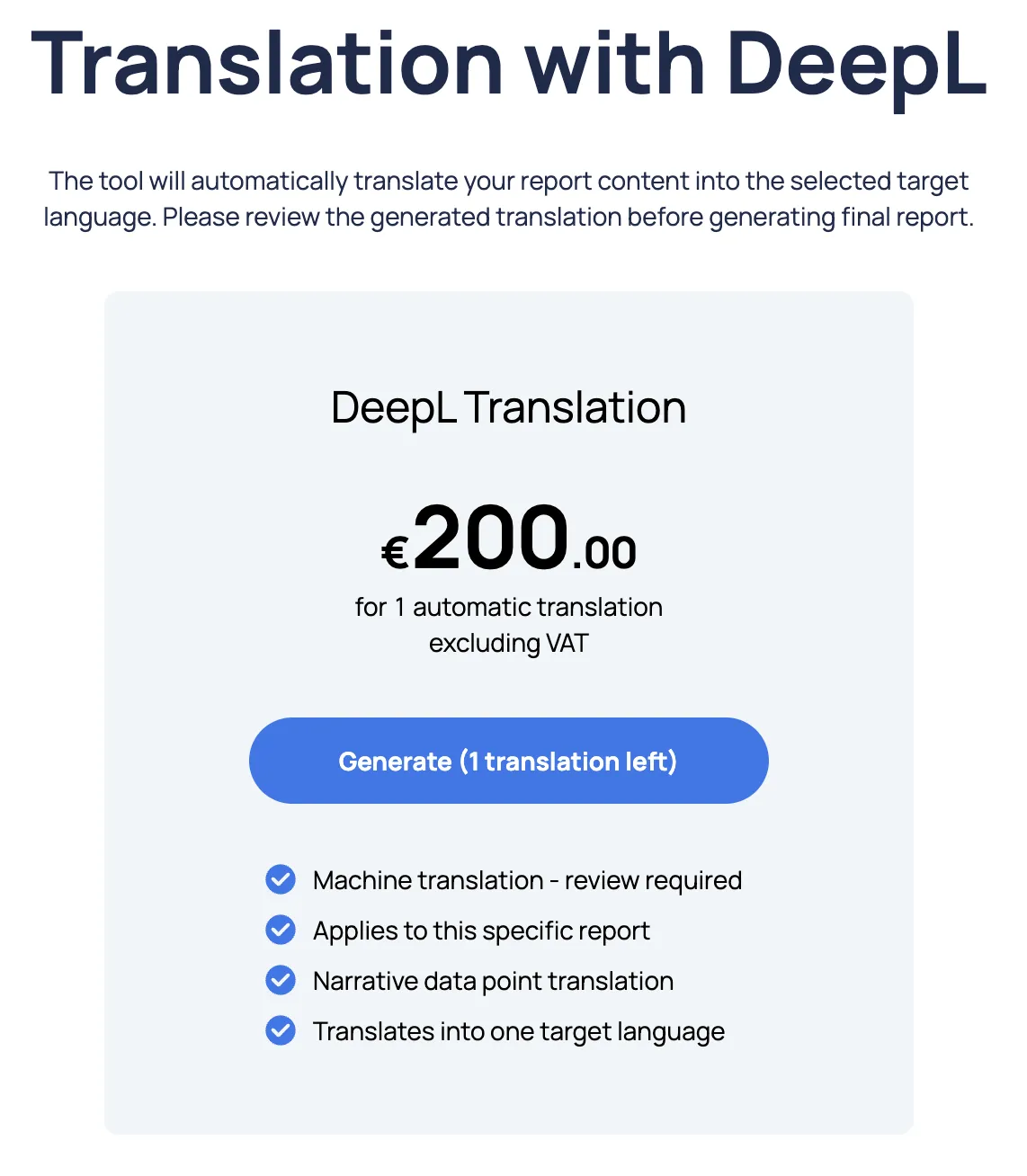
- Purchase a Translation Run: In the Translations section, first click “Buy 1 translation.” Note that one run covers the translation of your report into one specific target language.
Important Guidelines
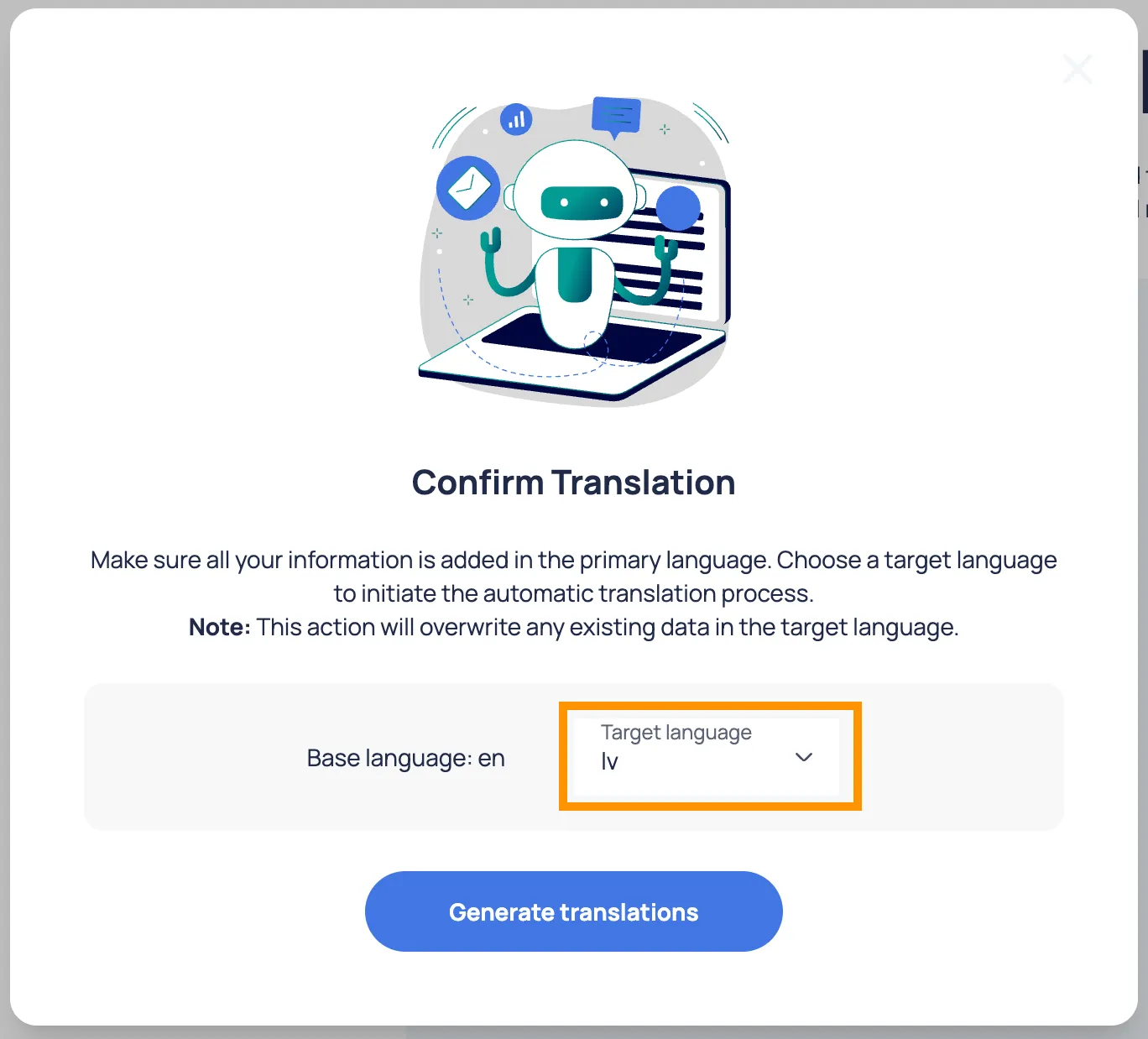
Section titled “Important Guidelines”Finalize Primary Content First: Make sure all your information is fully added in the primary language before starting. The tool uses the current state of your primary language data as the source.
Data Overwrite Warning: Initiating the automatic translation will overwrite any existing data currently saved in the selected target language.
Manual Review: Always review the generated translation for accuracy before finalizing your report.